Headphone Cleaner

WATER EJECT & SPEAKER CLEANING FOR IPHONE

Muffled sound?
Give your speaker
a fresh start.

Water, moisture, or dust around your speaker can leave the sound quieter or muffled.

Headphone Cleaner uses guided frequency sequences designed to help move moisture near speaker openings. On supported iPhones, sound and haptic vibration work together in sync. For headphones, the app adapts those sound programs for audio-only playback.

Choose your device, pick a program, and check how it sounds afterward.

Get Headphone Cleaner on the App Store

2,000+ downloads · First cleaning session free

Sound frequencies+ In-sync hapticsApplicable programs on supported iPhones
One app. Two ways to play.

BUILT FOR YOUR DEVICE

Same program.
A different approach
for every device.

Choose your device first, then select the program that fits what you're trying to do.

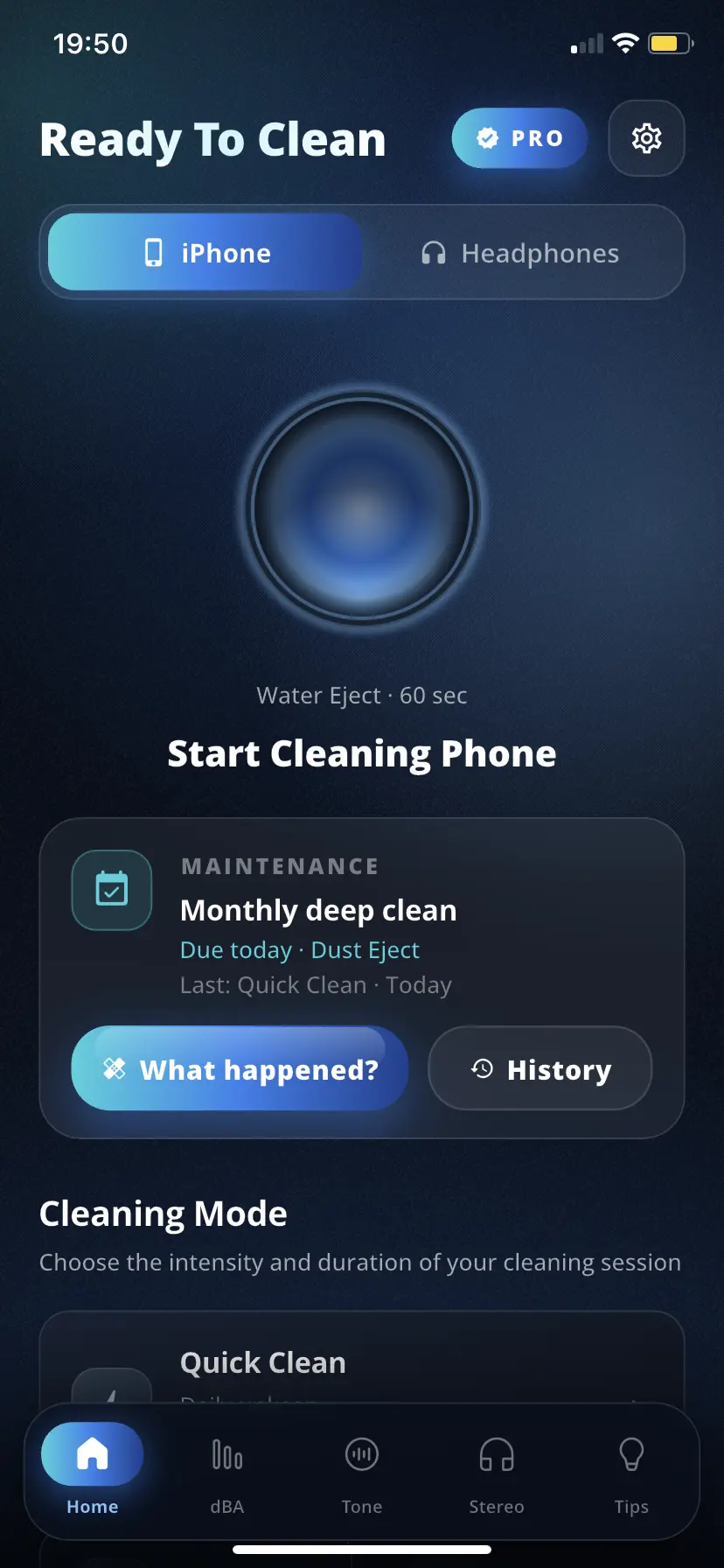
Headphone Cleaner adapts how each sound sequence plays depending on whether you're using an iPhone speaker or headphones.

Through your iPhone speaker
Water Clean · 60 seconds
Speaker-directed sound
Stronger pulsing haptics

Visual guide only. No sound or vibration plays on this page.

iPhone

Sound and vibration in sync.

On supported iPhones, changing audio frequencies work alongside precisely timed haptic pulses, powered by Apple's Core Haptics technology.

Quick and Dust use sharper vibration patterns, while Water uses a different, stronger pulsing pattern. Sound and vibration follow one synchronized sequence.

Rather than relying on a single fixed tone, these programs use changing frequencies and timed pulses informed by research into sound, vibration, and droplet movement.

Quick, Water & Dust: sound + haptics on supported iPhones.
Mesh & Bass Port: audio-only listening checks in either mode.
Before starting in the app: iPhone speaker playback sets system volume to maximum. Keep the speaker away from your ears. Remove headphones from your ears before running cleaning programs.

CHOOSE WHAT YOU NEED

Different problems.
Different sound programs.

A little moisture after rain isn't the same as dust around a speaker grille. And checking your headphones calls for a different listening pattern.

Headphone Cleaner offers five guided programs, each with its own frequency sequence and purpose.

More than a cleaning sound.

CHECK YOUR AUDIO

Hear what changed.

After a cleaning session, Headphone Cleaner gives you more ways to explore your device's sound.

Clean Check

Compare your iPhone speaker's relative sound response before and after a session, under suitable conditions.

Before a session

After a session
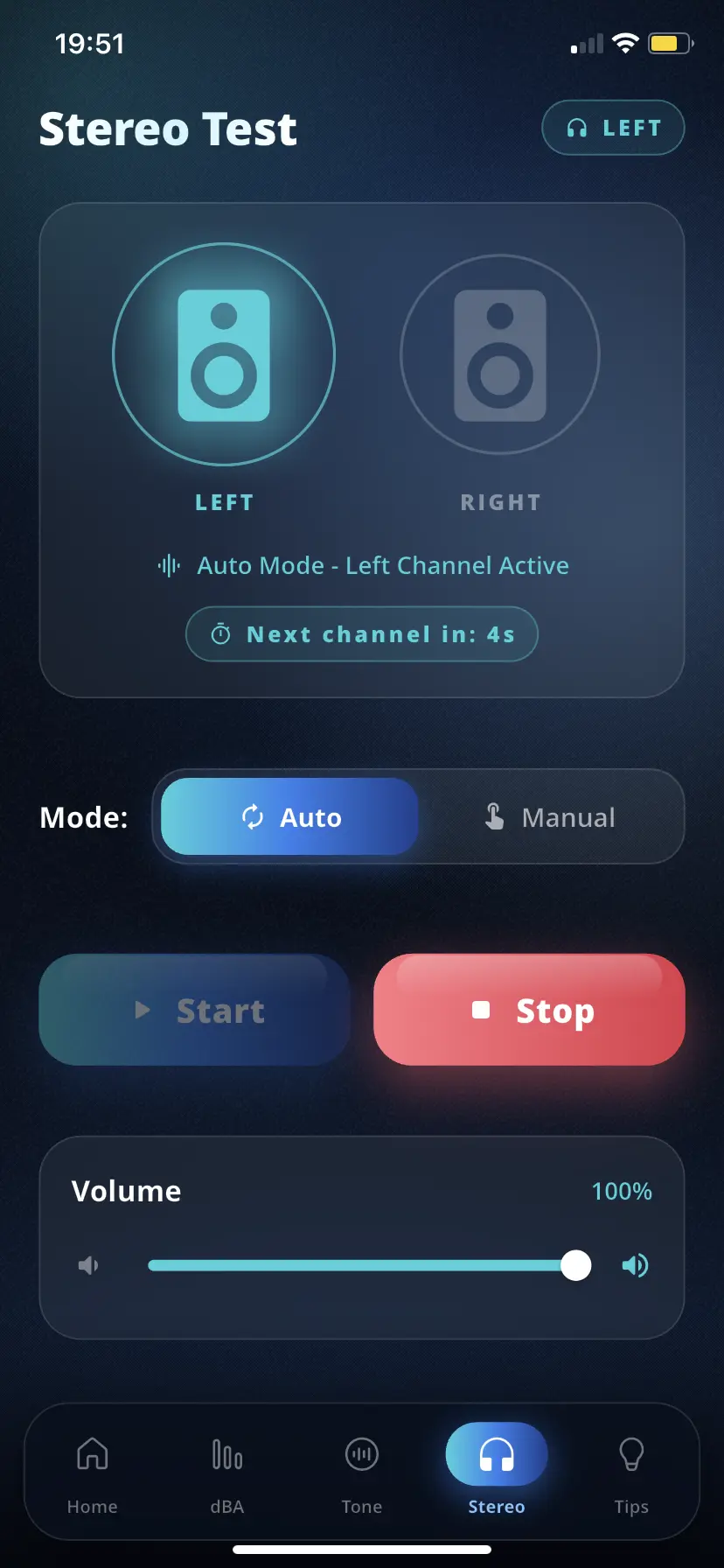
Stereo Balance · In the app

These tools help you observe and compare sound. They do not diagnose hardware damage or measure how much water remains inside a device.

Know your device and your access.

Which device features matter?
The App Store listing requires iOS 16 or later for iPhone. Synchronized vibration depends on the iPhone’s haptic hardware; installing the app on another supported Apple device does not mean it supports iPhone haptics. Headphone programs use audio-only playback.
What happens after the free session?
Your first cleaning session is free. Further sessions and premium programs require eligible premium access. Check the subscription options, any trial eligibility and the price shown in the app before purchasing.
What can a sound check tell me?
Clean Check compares relative speaker response under suitable conditions. It does not establish how much moisture remains or whether hardware is damaged. Persistent problems and physical damage need professional assessment rather than repeated sound sessions.

Free to download. Includes in-app purchases; some features require a purchase.

Check compatibility and purchase options on the App Store

When sound isn't right,
start with the right mode.

From synchronized sound and haptic sequences on iPhone to dedicated headphone audio checks, Headphone Cleaner brings different tools together in one place.

Get Headphone Cleaner on the App Store

2,000+ downloads

Your first cleaning session is free. Additional sessions and premium programs require eligible access.

Results depend on the device and conditions. The app is not a substitute for professional repair and cannot fix physical or liquid damage. Follow the manufacturer's drying guidance before charging or using a wet device.

Ghaith Labs / Contact

Let’s talk.

App support, feedback, or a product question. Your message comes straight to me.

Sent privately to dydemiryasir@gmail.com. Want a reply? Include your email above.